Cable Management for a Clean Desk
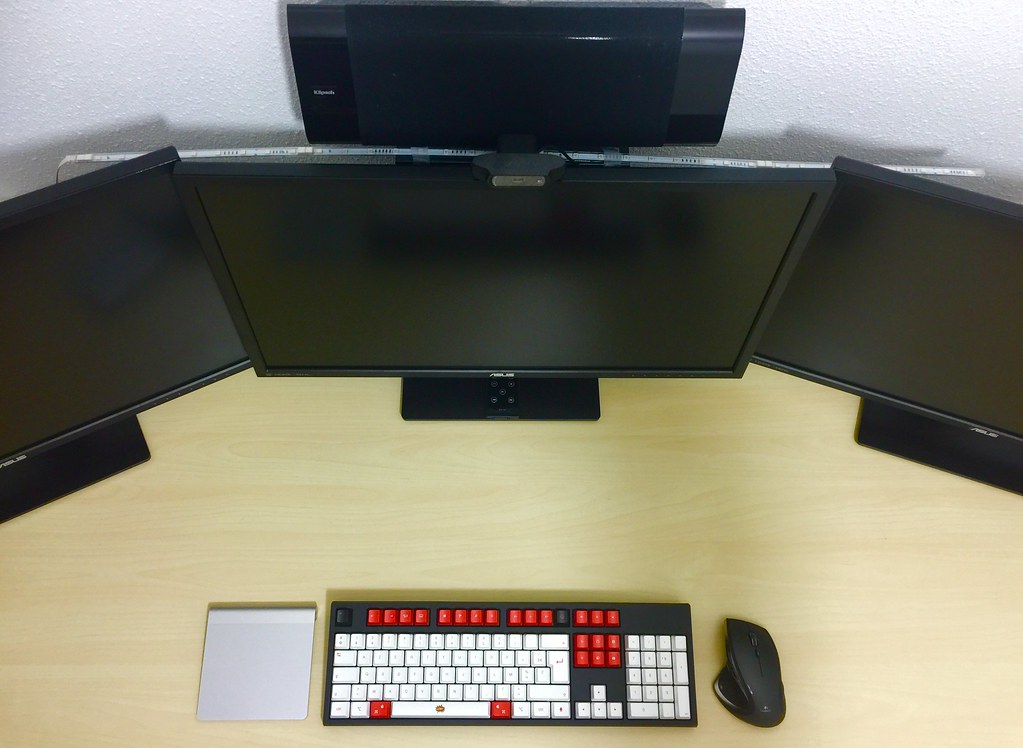
A tidy desk improves focus and airflow. With a few inexpensive accessories and a plan, you can hide the spaghetti and make peripherals easy to access.
Essentials
- Under‑desk tray for power strips and adapters.
- Velcro ties and cable sleeves for bundles.
- Adhesive clips to route cables along legs and edges.
Tips
- Label both ends of cables.
- Leave service loops for monitors on arms.
- Use a single‑cable dock to reduce clutter further.
Before and After: What Changes
The biggest surprise after a proper cable cleanup is psychological. A messy bundle under the desk is easy to ignore—until you try to move something and a cable catches, or you hesitate to plug in new gear because you “don’t want to deal with it.” A clean layout flips that feeling. You know exactly where power lives, where data lines run, and which bundle belongs to which device.
You don’t have to chase perfection. Start with the cables you touch most often, like phone chargers and laptop power bricks, then work your way toward the tangle behind your monitor and PC. In an evening or two, you can turn a chaotic nest of wires into a setup that looks intentional—something you’re happy to sit down at every morning.
Once things are under control, schedule a quick “maintenance pass” every few months. New gear has a way of sneaking in—USB hubs, microphones, lights—and each device usually brings another dangling wire. Taking ten minutes to route and label those additions prevents your neat setup from slowly collapsing back into chaos, and it makes future upgrades much less intimidating because you already know where everything lives.