eARC vs ARC in 2026: Get the Best TV Audio
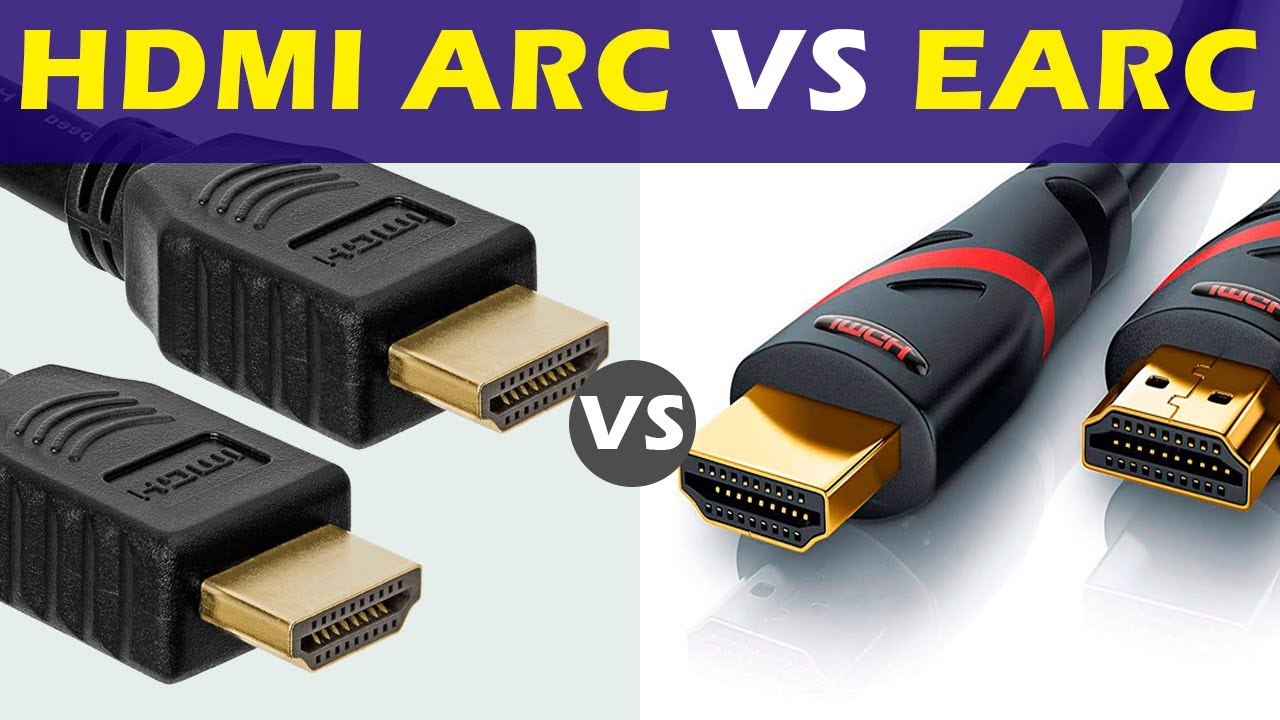
ARC carries compressed surround formats, while eARC supports lossless Dolby TrueHD and DTS‑HD MA with Atmos. If you want the best streaming and disc audio from your TV to your soundbar or AVR, enable eARC.
Key Differences
- Bandwidth: eARC has much higher bandwidth for lossless formats.
- Lip Sync: eARC includes mandatory auto lip‑sync correction.
- Compatibility: Requires HDMI 2.1 eARC‑capable ports on both TV and audio device.
Setup Checklist
- Use certified Ultra High Speed HDMI cables.
- Enable eARC/Pass‑through and set audio to Bitstream.
- On apps, choose Atmos/5.1 where available.
Common Mistakes to Avoid
The most frequent eARC problems come from one small oversight in the chain. A single non‑eARC soundbar, an older HDMI cable, or a TV audio setting left on PCM can quietly downgrade everything back to basic surround. If you aren’t seeing the right audio format on your receiver, walk backwards: confirm the app is playing Atmos, the TV is set to bitstream/pass‑through, and every device is connected to the correct eARC‑labeled port.
Once it’s dialed in, you should be able to forget about it. Movies and games that support better formats will simply sound bigger and cleaner, while older content continues to play without issues. That’s the promise of eARC: set it up once, then stop thinking about audio paths and just enjoy what’s on screen.
If you are upgrading from a basic ARC setup, give yourself time to test a few different sources before declaring eARC “not worth it.” Try a streaming app with Atmos, a 4K Blu‑ray if you have one, and a game console that supports advanced audio formats. Listen for cleaner dialogue at consistent volume, fewer sudden jumps in loudness between apps, and more precise effects placement. Those small improvements are easy to miss in a quick demo but become obvious once you spend a couple of movie nights with everything configured correctly.