Setting Up the Perfect Ergonomic Home Office
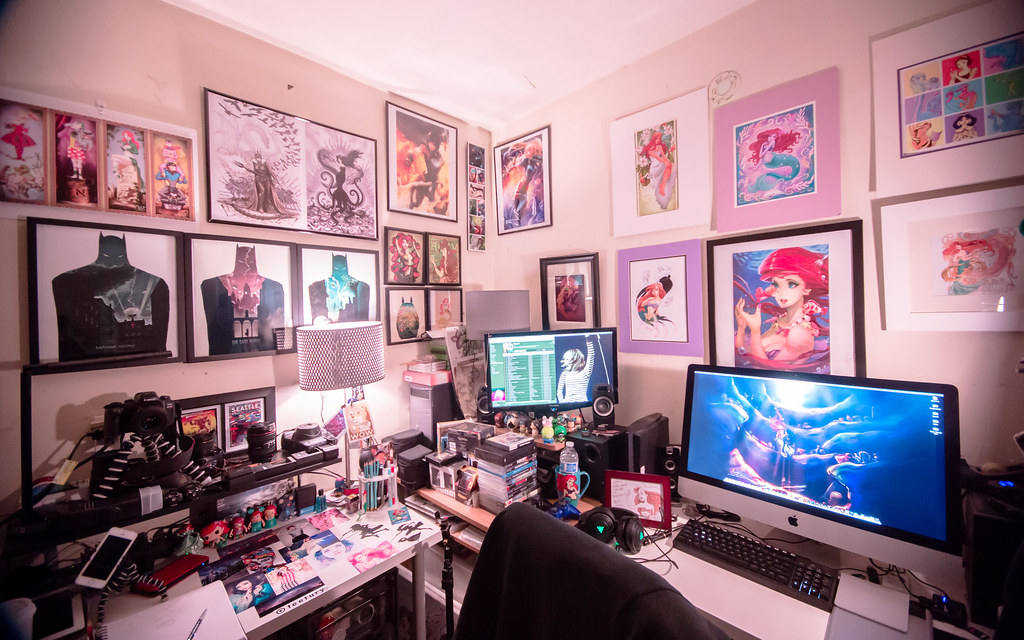
Your back hurts, your neck is stiff, and you have a headache by 3 PM. Sounds familiar? In 2026, working from home is standard, but many of us are still using setups that damage our health. Let's fix that.
1. The Monitor Height Rule
The top of your monitor screen should be at or slightly below eye level. This prevents you from tilting your head back or hunching forward. Use a monitor arm or a stack of books if necessary. If you wear bifocals, lower the monitor slightly more.
2. The 20-20-20 Rule
Every 20 minutes, look at something 20 feet away for at least 20 seconds. This simple habit prevents digital eye strain and gives your ciliary muscles a break. Set a timer if you have to.
3. Chair Adjustments
Your feet should be flat on the floor, and your knees should be at a 90-degree angle. If your chair is too high, use a footrest. Lumbar support is non-negotiable; it should fit the curve of your lower back snugly.
4. Lighting Matters: Bias Lighting
Working in a dark room with a bright screen causes significant eye strain due to contrast. Install a bias light (LED strip) behind your monitor. It raises the ambient light level in your field of view without causing glare on the screen, making the perceived contrast much more comfortable.
5. Standing Desks: Use Them Correctly
Standing all day is just as bad as sitting all day. The key is movement. Alternate between sitting and standing every 30-60 minutes. Use an anti-fatigue mat when standing to reduce pressure on your feet and knees.
Small Habits That Add Up
Ergonomics also lives in the tiny decisions you make throughout the day. Something as simple as keeping a full water bottle on your desk forces you to get up regularly for refills and bathroom breaks, which gently resets your posture. Setting a reminder to roll your shoulders, unclench your jaw, and relax your hands every couple of hours sounds trivial, but it can dramatically reduce tension by the end of the week.
Pay attention to the signals your body is giving you. If you always feel tightness in the same spot, treat that as data instead of something to push through. Adjust chair height, tweak keyboard placement, or shift your monitor slightly and see how your body responds over a few days. The goal is not a “perfect” setup on day one, but a space that you keep tuning until it genuinely feels comfortable.
Conclusion
Ergonomics isn't about expensive gear; it's about body mechanics. Make these small adjustments today, keep listening to your body, and your future self will thank you with fewer aches and more focused work sessions.
If you share your home office with other people, involve them in the process instead of trying to design a one‑size‑fits‑all layout. A quick discussion about who uses the space, at what times, and for which tasks often reveals simple changes—like adding a second chair, a laptop stand, or a small side table—that dramatically improve comfort for everyone. Treat your setup as something you refine a bit every month rather than a weekend project you complete once and forget.