Smart TV Privacy Guide: 5 Settings to Change Immediately
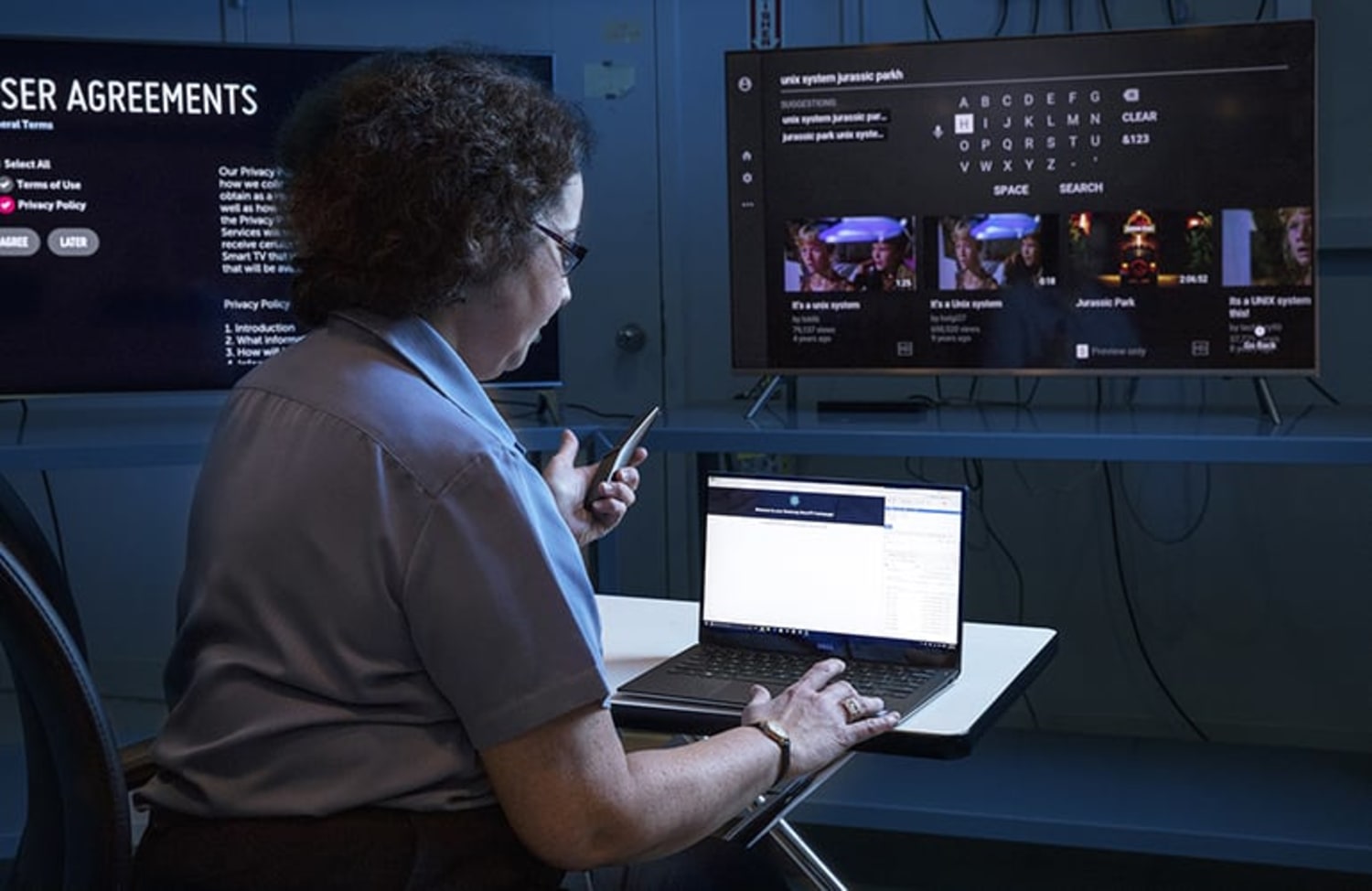
Did you know your Smart TV is likely tracking everything you watch? This isn't a conspiracy theory; it's a feature called ACR (Automatic Content Recognition). Manufacturers like Samsung, LG, Vizio, and Roku use it to identify what's on your screen—even if you're watching a DVD or playing a game—and sell that data to advertisers.
1. Disable ACR (Automatic Content Recognition)
This is the most critical step. The setting is often buried deep in the menu under misleading names like "Viewing Information Services" or "Smart Interactivity."
- Samsung: Settings > Support > Terms & Policy > Viewing Information Services (Turn OFF).
- LG: Settings > General > Live Plus (Turn OFF).
- Roku: Settings > Privacy > Smart TV Experience > Use Information for TV Inputs (Uncheck).
- Vizio: Settings > System > Reset & Admin > Viewing Data (Turn OFF).
2. Turn Off Voice Data Collection
Most modern remotes have microphones. While convenient for "Hey Google" or "Alexa," they can also record snippets of your conversations to "improve service." Check your TV's privacy settings for "Voice Recognition Services" and disable it if you don't use voice commands.
3. Limit Ad Tracking
Just like on your phone, you can reset your advertising ID or limit ad tracking. This won't stop ads, but it makes them less creepy.
- Look for "Limit Ad Tracking" or "Reset Advertising ID" in the Privacy or About menu.
4. Disconnect from Wi-Fi (The Nuclear Option)
If you use an external streaming device like an Apple TV, NVIDIA Shield, or Fire Stick, your TV doesn't need to be online. Disconnect it from your Wi-Fi network entirely. This stops 100% of data collection by the TV manufacturer. Your streaming device will still track you, but at least your TV won't know when you switch to your PlayStation.
5. Cover the Camera (If Applicable)
Some high-end TVs have built-in cameras for gesture control or video calls. If you don't use them, a piece of electrical tape is the best security measure money can buy.
Make Privacy Part of Setup Day
Most people speed through the initial setup screens just to start watching something, and that’s exactly when TVs ask you to agree to aggressive data collection. The next time you set up a TV for yourself or a family member, treat privacy like cable management: it takes a few extra minutes up front, but you only have to do it once. Walk through each menu slowly, and don’t be afraid to say no when a feature sounds vague or “helpful” without explaining how it uses your data.
If your TV has been on your wall for years, it’s still worth revisiting these options. Manufacturers often add new tracking switches through firmware updates, so a quick annual privacy check is a good habit. You’ll sleep better knowing your TV isn’t quietly building a profile of your viewing habits for the sake of slightly more targeted ads.
Conclusion
Smart TVs are incredible pieces of technology, but they are subsidized by your data. Taking 5 minutes to adjust these settings, and revisiting them occasionally, gives you back control over your living room privacy without sacrificing the streaming features you actually care about.
If you feel overwhelmed by all the toggles and jargon, start with one TV in the house and treat it as a test case. Go through its privacy menu with this guide open, write down which settings you changed, and then live with the results for a week. If nothing important breaks—your favorite apps still launch and voice search still works the way you expect—you can confidently copy those settings to the rest of your screens. In a world where “set and forget” defaults usually favor advertisers, a short, intentional audit is one of the simplest ways to reclaim a bit of digital quiet at home.